
Introduction
Every time you check your email, edit a document, or stream your favorite show, you’re using application software. In fact, the global developer population reached 28.47 million people in 2024, creating millions of applications that power our digital world. But what exactly is application software, and why should you care?
Whether you’re a business owner looking to streamline operations, a student exploring tech concepts, or simply curious about the software that runs your daily life, understanding application software is more crucial than ever. With the global application development software market valued at USD 257.94 billion in 2024 and projected to grow at a CAGR of 22.8% from 2025 to 2030, this isn’t just academic knowledge, it’s understanding the foundation of our digital economy.
What Is Application Software?
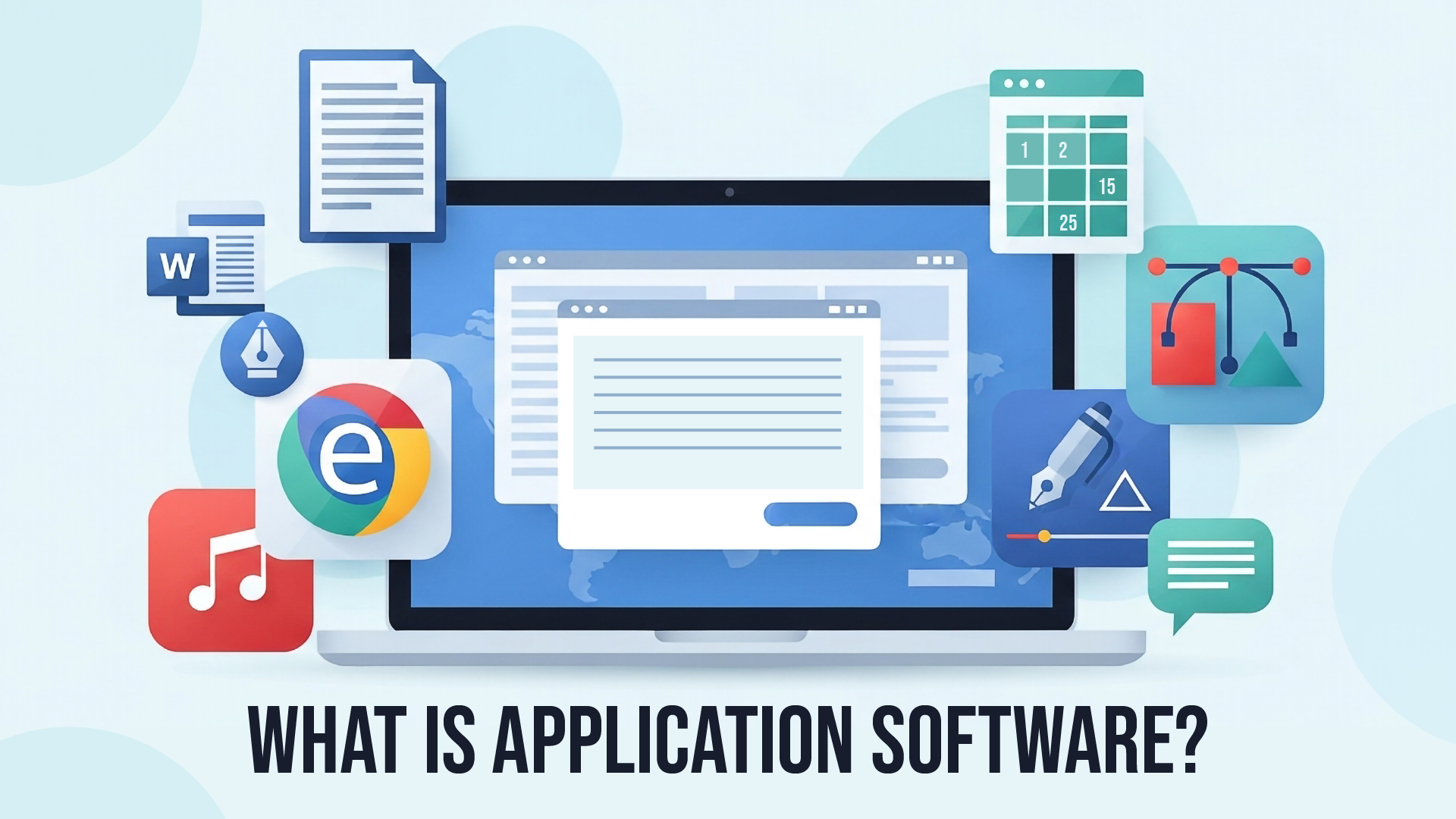
Application software is designed to perform a specific task for end-users. It is a product or a program that is designed only to fulfill end-users’ requirements. Unlike system software that manages your computer’s hardware, application software directly serves your daily needs and tasks.
Think of it this way: if your computer’s operating system is like the foundation and plumbing of a house, application software represents all the furniture, appliances, and tools that make the home livable and functional for specific purposes.
Key Characteristics of Application Software
- User-focused: Designed specifically for end-user tasks
- Task-specific: Each application serves particular functions
- Optional: Application software is not mandatory, and the system can function without it
- Interactive: Provides direct user interfaces for easy operation
- Customizable: Can often be configured to meet specific user preferences
Application Software vs. System Software: What’s the Difference?
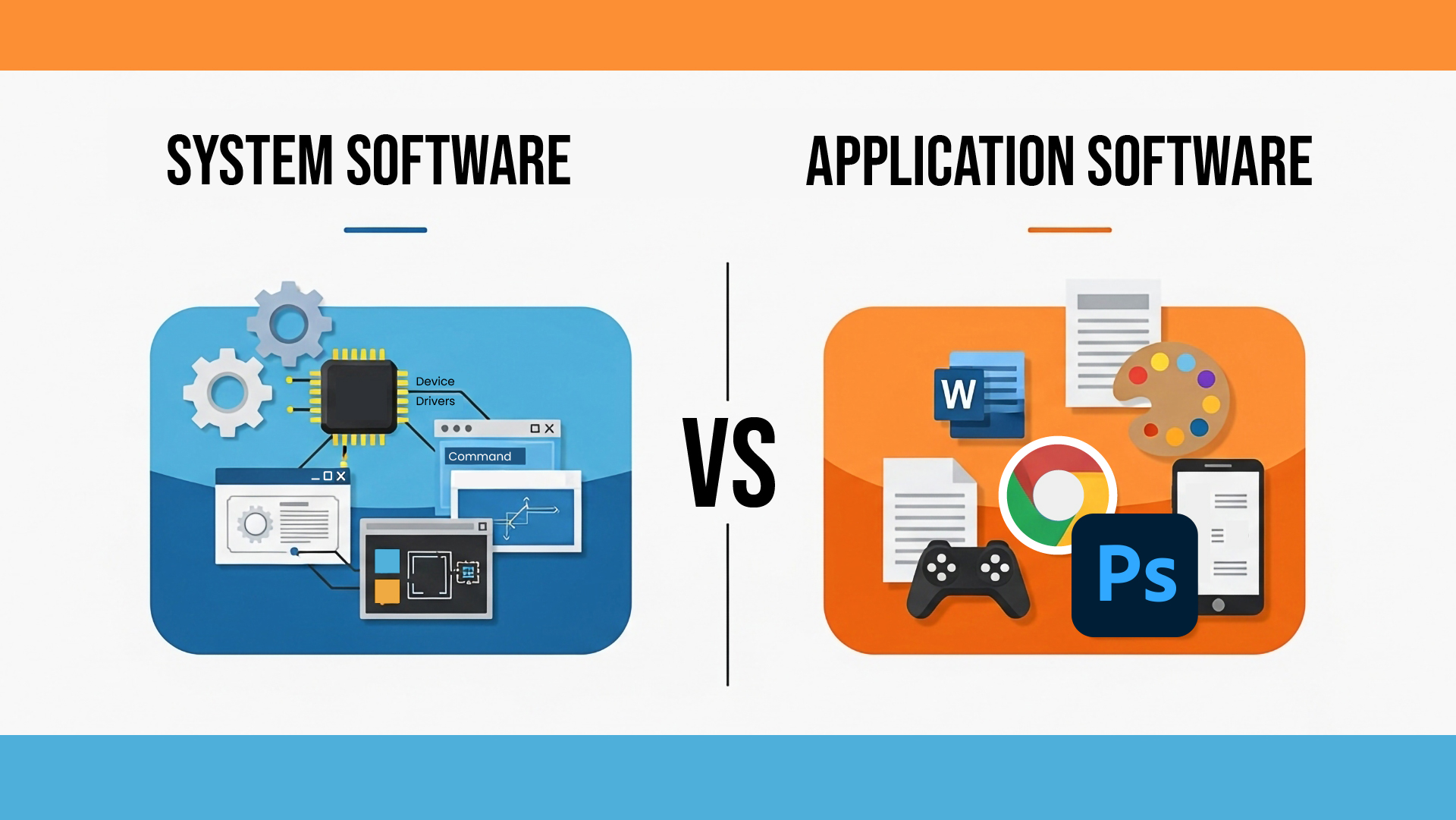
| Aspect | Application Software | System Software |
| Purpose | Performs specific user tasks | Manages hardware and system resources |
| Examples | Word processors, games, browsers | Operating systems, device drivers |
| User Interaction | Direct user interface | Mostly background operations |
| Installation | Optional, user-installed | Pre-installed, essential for system function |
| Dependency | Requires system software to run | Runs independently |
Types of Application Software
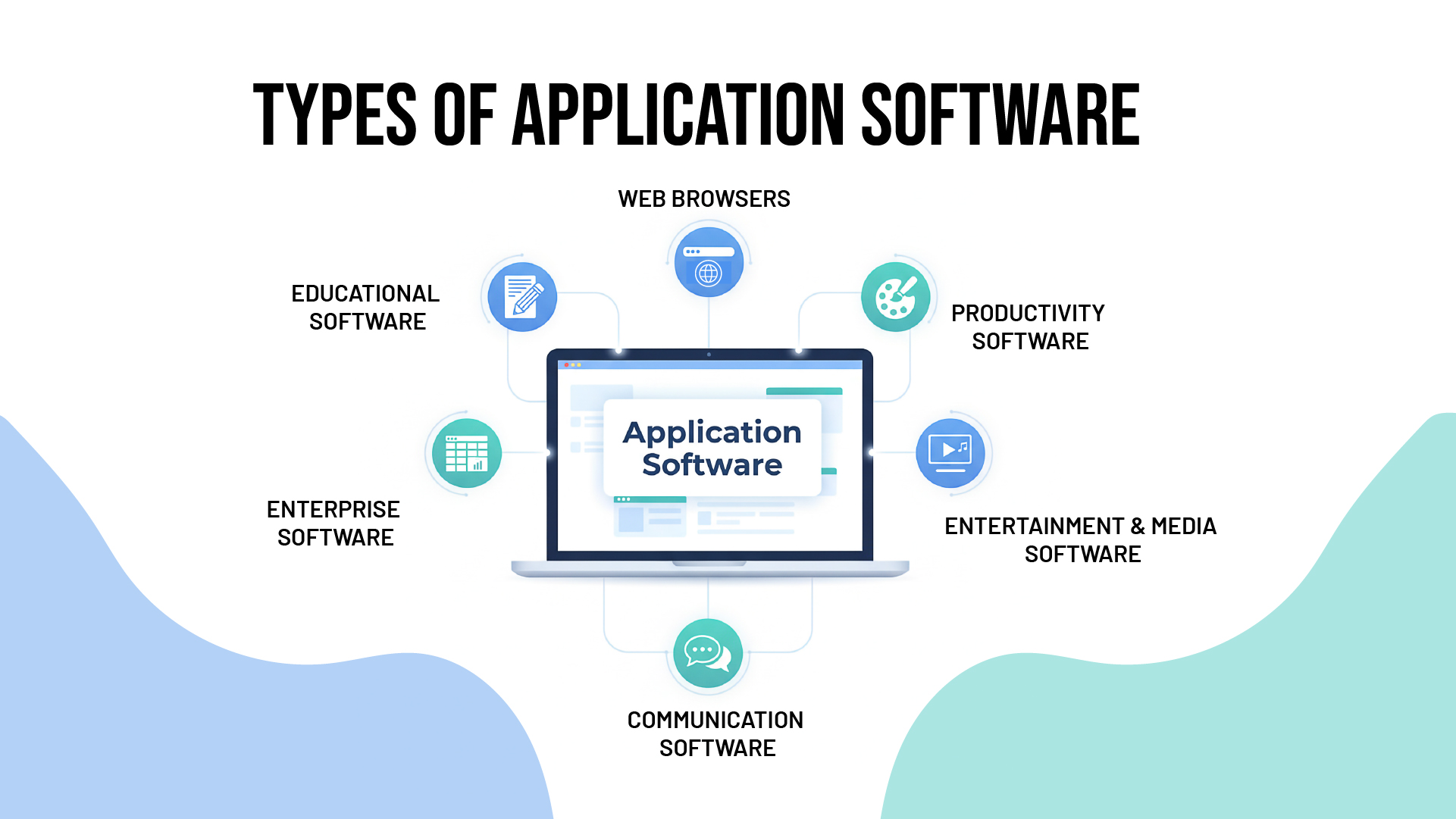
1. Productivity Software
Productivity applications help users create, manage, and organize work efficiently.
Examples:
- Microsoft Office Suite (Word, Excel, PowerPoint)
- Google Workspace
- Adobe Acrobat
- Project management tools like Trello
2. Entertainment and Media Software
These applications provide recreational and media consumption experiences.
Examples:
- Media players such as VLC for playing audio and video files
- Gaming platforms like Steam
- Streaming applications (Netflix, Spotify)
- Photo and video editing software
3. Communication Software
Applications that facilitate interaction and collaboration between users.
Examples:
- Email clients (Outlook, Gmail)
- Video conferencing tools (Zoom, Microsoft Teams)
- Social media platforms
- Instant messaging applications
4. Web Browsers
Web browsers let you browse the internet and access online content and services.
Examples:
- Google Chrome
- Mozilla Firefox
- Safari
- Microsoft Edge
5. Business and Enterprise Software
Specialized applications designed for business operations and management.
Examples:
- Customer Relationship Management (CRM) systems
- Enterprise Resource Planning (ERP) software
- Accounting software like QuickBooks
- Human Resources management systems
6. Educational Software
Applications designed for learning, training, and educational purposes.
Examples:
- Learning Management Systems (LMS)
- Language learning apps like Duolingo
- Educational games and simulations
- Online course platforms
Modern Trends in Application Software Development
Cloud-Based Applications
The shift toward Software as a Service (SaaS) has revolutionized how we access and use applications. With a year-over-year growth rate of over 10%, the enterprise software market is the fastest-growing segment of the IT industry.
Mobile Applications
With smartphones becoming ubiquitous, mobile app development has exploded. Applications now seamlessly work across desktop, mobile, and tablet platforms.
AI-Powered Applications
Artificial intelligence is increasingly integrated into application software, providing smart features like:
- Predictive text and auto-completion
- Image and voice recognition
- Automated data analysis
- Personalized recommendations
Progressive Web Apps (PWAs)
These applications combine the best of web and mobile apps, offering offline functionality and app-like experiences through web browsers.
How Application Software Impacts Business Success
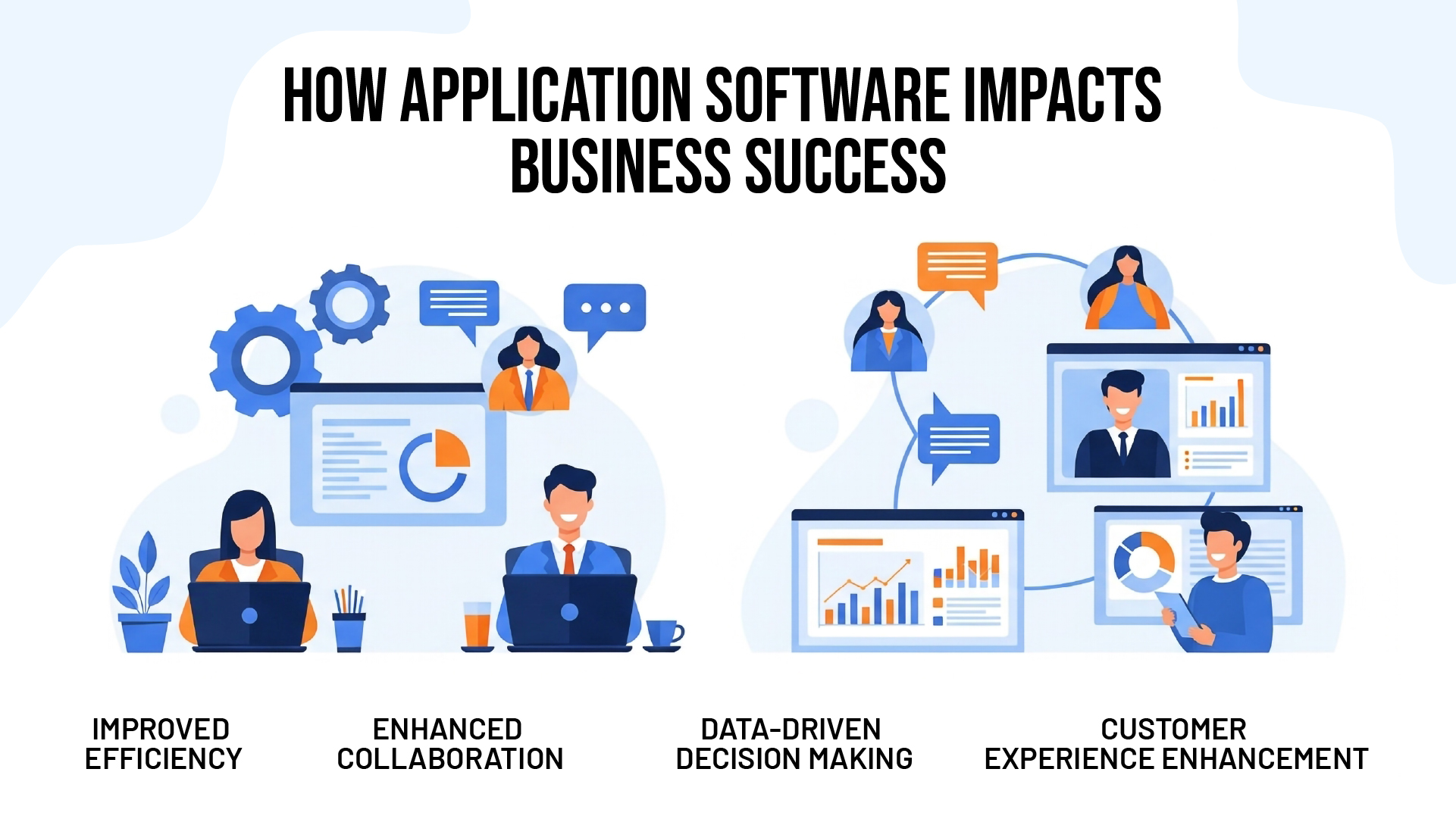
Improved Efficiency
Modern application software automates routine tasks, allowing employees to focus on strategic work. The enterprise software market calculates a spend of around $82.91 per employee in 2024, highlighting its critical role in business operations.
Enhanced Collaboration
Communication and project management applications break down geographical barriers, enabling global teams to work together seamlessly.
Data-Driven Decision Making
Business intelligence applications transform raw data into actionable insights, helping companies make informed strategic decisions.
Customer Experience Enhancement
Customer-facing applications improve service delivery and create more engaging user experiences.
Choosing the Right Application Software
Key Considerations
- Functionality: Does it meet your specific needs?
- User Interface: Is it intuitive and easy to use?
- Integration: Can it work with your existing systems?
- Scalability: Will it grow with your needs?
- Security: Does it protect your data adequately?
- Cost: Is it within your budget, including ongoing costs?
Custom vs. Off-the-Shelf Solutions
While off-the-shelf applications work for general needs, businesses often require custom solutions. The global custom software development market size was estimated at USD 43.16 billion in 2024 and is projected to reach USD 146.18 billion by 2030, growing at a CAGR of 22.6%.
For businesses seeking tailored application development solutions, partnering with experienced development teams like Desol Int. ensures you get software that perfectly aligns with your unique requirements and business objectives.
The Future of Application Software
Emerging Technologies
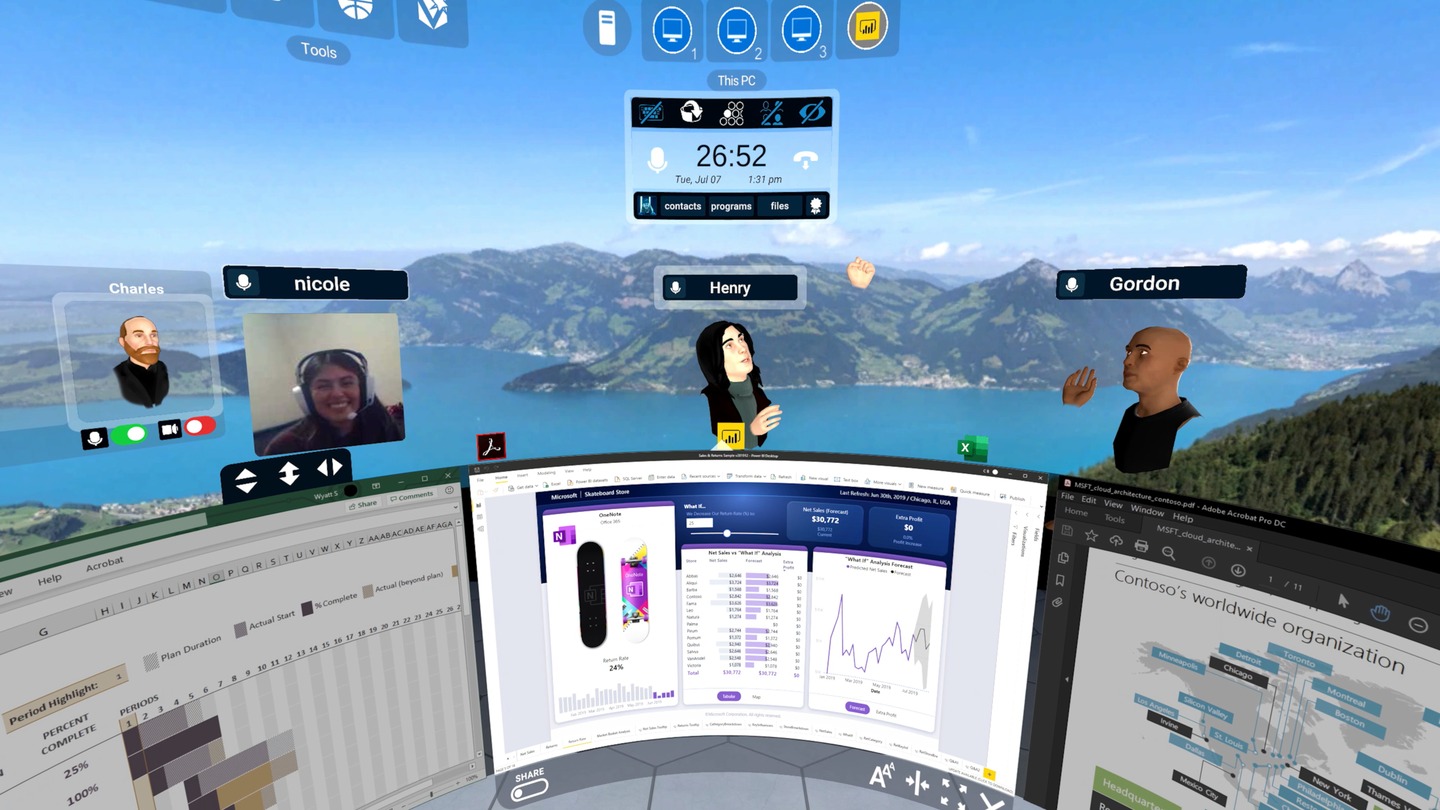
- Augmented Reality (AR) and Virtual Reality (VR) applications
- Internet of Things (IoT) integration
- Blockchain-based applications
- Edge computing capabilities
Market Growth
The Software market worldwide is projected to grow by 4.87% (2025-2029) resulting in a market volume of US$896.20bn in 2029, indicating continued expansion and innovation in the application software sector.
Common Application Software Examples by Category
| Category | Popular Examples | Primary Use |
| Word Processing | Microsoft Word, Google Docs | Document creation and editing |
| Spreadsheets | Excel, Google Sheets | Data analysis and calculations |
| Graphics Design | Adobe Photoshop, Canva | Image editing and design |
| Web Browsers | Chrome, Firefox | Internet browsing |
| Media Players | VLC, Windows Media Player | Audio/video playback |
| Games | Steam games, mobile games | Entertainment |
| Outlook, Gmail | Communication |
Conclusion
Application software forms the backbone of our digital interactions, from simple document editing to complex business management systems. Understanding these tools and their capabilities is essential for anyone looking to leverage technology effectively.
As businesses increasingly rely on software solutions to drive growth and efficiency, the importance of choosing the right applications cannot be overstated. Whether you need off-the-shelf solutions or custom development, the key is finding software that aligns with your specific goals and requirements.
Ready to transform your business with custom application software? Contact Desol Int. today for expert consultation on application development solutions tailored to your unique needs. Our experienced team specializes in creating powerful, user-friendly applications that drive business success.
Frequently Asked Questions (FAQs)
What is the main difference between application software and system software?
Application software is designed for end-users to perform specific tasks like document editing or web browsing, while system software manages computer hardware and provides a platform for other software to run. System software includes operating systems and device drivers, whereas application software includes programs like Microsoft Word or Google Chrome.
Can I run application software without system software?
No, application software cannot run without system software. System software, particularly the operating system, provides the essential foundation and resources that application software needs to function. Think of system software as the stage and application software as the performers who need that stage to operate.
What are the most common types of application software used in businesses?
The most common business application software includes productivity suites (Microsoft Office, Google Workspace), customer relationship management (CRM) systems, accounting software, email clients, web browsers, and project management tools. Enterprise resource planning (ERP) systems are also increasingly popular for larger organizations.
How do I choose between custom and off-the-shelf application software?
Choose off-the-shelf software when your needs are common and standard solutions exist. Opt for custom application software when you have unique business processes, specific integration requirements, or need features not available in existing solutions. Consider factors like cost, timeline, scalability, and long-term maintenance when making this decision.
What trends are shaping the future of application software?
Key trends include cloud-based Software as a Service (SaaS) solutions, mobile-first design, artificial intelligence integration, progressive web apps, and cross-platform compatibility. The focus is shifting toward more intuitive user interfaces, better security, and applications that work seamlessly across multiple devices and platforms.