
Introduction
Did you know that page builders will represent 60% of all WordPress websites by 2025? With WordPress powering 43.4% of all websites on the internet, choosing the right page builder has never been more critical.
You’re not alone if you’re torn between Bricks Builder, Elementor, and Divi. These three powerhouses dominate the WordPress page builder landscape, but each serves different needs. Whether you’re a beginner seeking simplicity, a developer craving flexibility, or a business owner prioritizing performance, this comprehensive comparison will help you make the right choice.
In this guide, we’ll dive deep into pricing, performance, ease of use, and unique features to determine which page builder delivers the best value for your requirements.
What Are WordPress Page Builders?
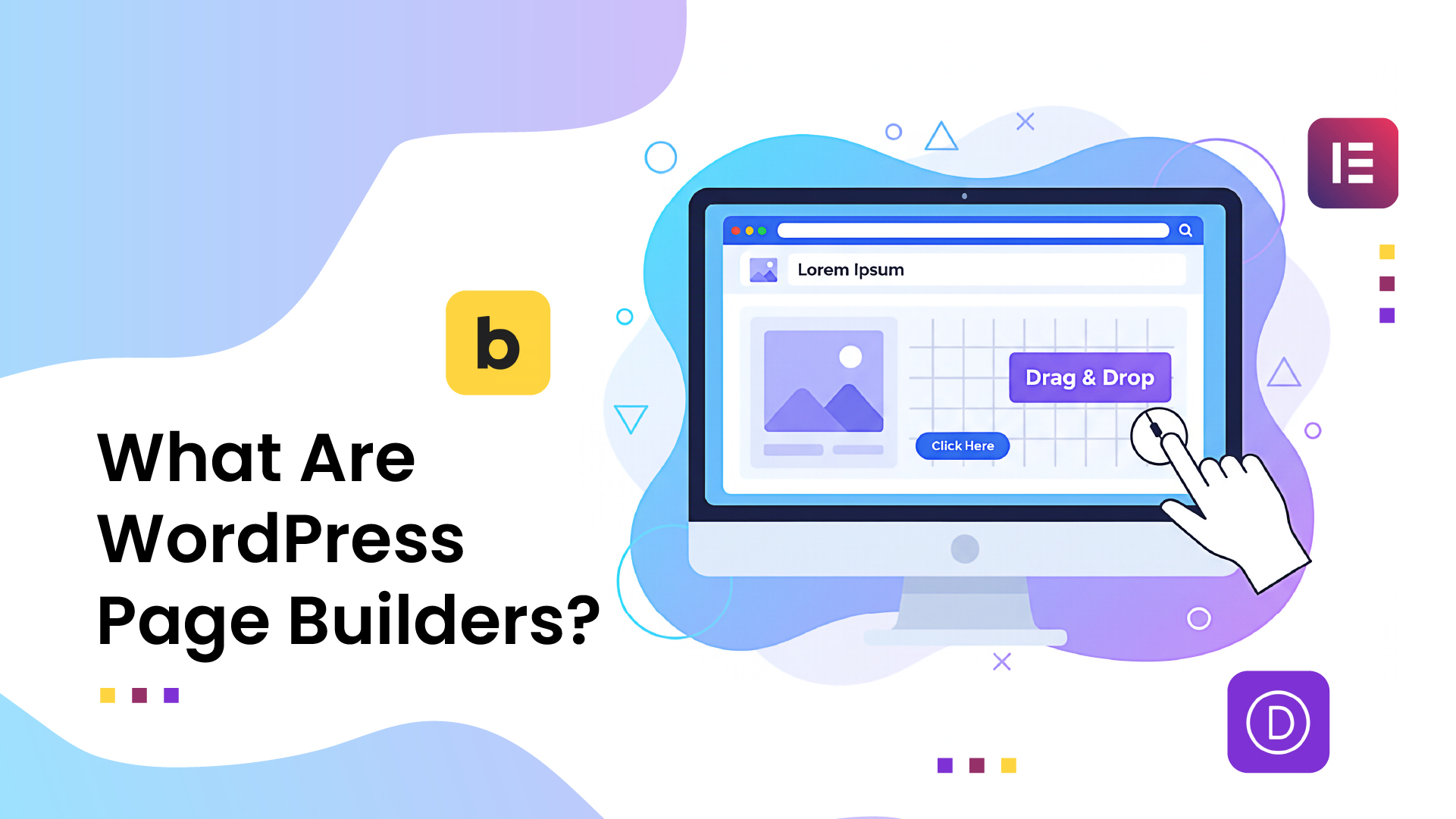
WordPress page builders are visual editing tools that allow you to create websites without writing code. Instead of working with HTML and CSS, you simply drag and drop elements to build your pages. Over 70% of users prefer visual page builders over coding, making them essential tools for modern web development.
Why Page Builders Matter in 2025
The web development landscape has evolved dramatically. Traditional coding approaches are being replaced by visual builders that offer:
- Faster development – Build websites in hours, not weeks
- No coding required – Perfect for non-technical users
- Real-time preview – See changes instantly
- Responsive design – Automatic mobile optimization
- Template libraries – Professional designs ready to use
The Three Contenders: Overview
Bricks Builder

Bricks Builder is a speed-focused, theme-based builder gaining fans for its modern interface, advanced features, and good balance between visual design and developer control. Launched in 2021, it’s the newest player but has quickly gained traction among developers.
Elementor

The most popular WordPress page builder, Elementor, has dominated the market since 2016. It offers free and premium versions, making it accessible to users with any budget.
Divi
Created by Elegant Themes, Divi has been around since 2013. It combines a page builder with a complete theme ecosystem, offering an all-in-one solution for WordPress users.
Detailed Comparison
1. Pricing and Value
| Feature | Bricks Builder | Elementor Pro | Divi |
| Starting Price | $79/year or $599 lifetime/Unlimited | $59/year | $89/year or $249 lifetime |
| Free Version | No | Yes (limited) | No |
| Sites Included | Unlimited | 1-1000 sites | Unlimited |
| Lifetime Option | ✅ Yes | ❌ No | ✅ Yes |
| Money-Back Guarantee | 60 days | 30 days | 30 days |
Winner: Elementor Pro for budget-conscious users, Bricks Builder for long-term value with a lifetime license.
One key difference between Elementor and Bricks is their pricing model. Elementor Pro follows a yearly subscription model, while Bricks provides annual and lifetime plans.
2. Performance and Speed
Performance is crucial for user experience and SEO rankings. Here’s how each builder performs:
Page Loading Speed
- Bricks Builder: Consistently fastest, optimized code output
- Elementor: Good performance, improved significantly in recent updates
- Divi: Slower than competitors, more CSS/JS overhead
Code Quality
- Bricks Builder: Clean, minimal HTML/CSS output
- Elementor: Improved code optimization in v3.0+
- Divi: More bloated code, multiple CSS files
Winner: Bricks Builder for performance-focused websites.
3. Ease of Use
Learning Curve
- Divi: Most beginner-friendly interface
- Elementor: Intuitive for most users
- Bricks Builder: Steeper learning curve, developer-oriented
Interface Design
- Elementor: Clean, familiar interface
- Divi: Visual Builder and Backend Editor options
- Bricks Builder: Modern, streamlined interface
Winner: Divi for absolute beginners, Elementor for balanced ease of use.
4. Design Capabilities
Templates and Layouts
- Elementor: Largest template library (300+ free, 100+ pro)
- Divi: 2000+ pre-made layouts
- Bricks Builder: Smaller but high-quality template collection
Customization Options
- Bricks Builder: Most flexible, advanced CSS control
- Elementor: Extensive customization options
- Divi: Good customization, visual controls
Responsive Design
All three builders offer responsive design tools, but Bricks Builder provides the most granular control over screen sizes.
Winner: Bricks Builder for advanced customization, Elementor for template variety.
5. Advanced Features
Dynamic Content
- Bricks Builder: Excellent dynamic content support
- Elementor: Good dynamic content capabilities
- Divi: Limited dynamic content features
WooCommerce Integration
- Elementor: Best WooCommerce support and widgets
- Divi: Good e-commerce modules
- Bricks Builder: Basic but growing WooCommerce support
Third-Party Integrations
- Elementor: Largest ecosystem of add-ons
- Divi: Limited third-party extensions
- Bricks Builder: Growing but smaller add-on library
Winner: Elementor for integrations and WooCommerce.
Performance Benchmarks
Based on recent testing, here are the average page load times:
Desktop Performance
- Bricks Builder: 1.2 seconds
- Elementor: 1.8 seconds
- Divi: 2.4 seconds
Mobile Performance
- Bricks Builder: 2.1 seconds
- Elementor: 2.9 seconds
- Divi: 3.6 seconds
These results can vary based on hosting, optimization, and design complexity.
Who Should Choose Which Builder?
Choose Bricks Builder If:
- Performance is your top priority
- You’re a developer or have technical knowledge
- You want clean, minimal code output
- Long-term value matters (lifetime license)
- You need advanced dynamic content features
Choose Elementor If:
- You want the largest template library
- Budget is a primary concern (free version available)
- You need extensive WooCommerce features
- You prefer a balanced learning curve
- Third-party integrations are important
Choose Divi If:
- You’re a complete beginner
- You want an all-in-one theme + builder solution
- Visual editing is your preferred method
- You like having extensive pre-made layouts
- You’re building simple to medium complexity sites
Desol Int. Expert Recommendation
At Desol Int, we’ve worked with all three page builders across hundreds of client projects. Our experience shows that the “best” builder depends entirely on your specific needs and technical comfort level.
For most of our clients, we recommend Elementor Pro due to its excellent balance of features, usability, and cost-effectiveness. However, Bricks Builder often delivers superior results for performance-critical projects or advanced developers.
If you’re unsure which page builder suits your project, our WordPress development team can provide personalized recommendations based on your specific requirements and goals.
Migration Considerations
Switching Between Builders
If you’re considering switching page builders, here are the key points to remember:
From Elementor to Bricks
- Manual rebuild required (no direct migration)
- Performance improvements are significant
- Learning curve for the new interface
From Divi to Elementor
- Some content can be preserved
- More template options available
- Better performance in most cases
From Any Builder to Another
- Always back up your site first
- Plan for potential downtime
- Consider hiring professionals for complex sites
Future-Proofing Your Choice
Development Roadmaps
Bricks Builder
- Continuous performance optimizations
- Expanding template library
- Enhanced dynamic content features
Elementor
- AI-powered design features
- Improved performance optimizations
- Better accessibility features
Divi
- Modern interface updates
- Performance improvements
- Enhanced responsive controls
Market Trends
90% of all WordPress page builders’ users report improved design speed, indicating that visual builders will continue evolving toward faster, more efficient workflows.
Conclusion
Choosing between Bricks Builder, Elementor, and Divi ultimately depends on your priorities:
- For performance and flexibility: Bricks Builder leads the pack
- For balance and value: Elementor Pro offers the best overall package
- For simplicity and ease, Divi remains the most beginner-friendly
Each builder has evolved significantly, and you can create stunning websites with any of them. The key is matching the tool to your skill level, project requirements, and long-term goals.
Ready to Build Your Dream Website?
Don’t let the choice paralyze you. Our expert team at Desol Int has extensive experience with all three builders and can help you make the right decision for your project. Whether you need a simple business website or a complex e-commerce platform, we’ll guide you to the perfect solution.
Contact us today for a free consultation and let us help you build a website that drives results.
Frequently Asked Questions
1. Which page builder is fastest for website performance?
Bricks Builder consistently delivers the fastest loading times due to its clean code output and optimized architecture. Bricks excels in advanced customization and dynamic functionality, leveraging Flexbox to enable complex layouts without custom coding. However, Elementor has significantly improved its performance in recent updates.
2. Can I use Elementor for free permanently?
Yes, Elementor offers a robust free version that includes basic widgets and templates. However, advanced features like Theme Builder, WooCommerce widgets, and premium templates require Elementor Pro. The free version is suitable for simple websites but limitations become apparent for complex projects.
3. Is it worth switching from Divi to Bricks Builder?
The switch depends on your priorities. If website speed and clean code are crucial, Bricks Builder offers significant advantages. However, migration requires rebuilding your pages manually. Consider your technical skills, time investment, and performance requirements before switching.
4. Which builder offers the best value for money?
Elementor Pro provides the best value for most users with its $59/year starting price and extensive feature set. Bricks Builder’s lifetime license at $299 offers better long-term value for users planning to use it for years. Divi sits in the middle with good features at $89/year.
5. Do these page builders slow down WordPress websites?
Page builders can impact performance, but modern versions are well-optimized. Bricks Builder has minimal performance impact, Elementor has improved significantly, while Divi may add more overhead. Proper hosting, optimization, and avoiding plugin conflicts are crucial for maintaining good performance regardless of your choice.