
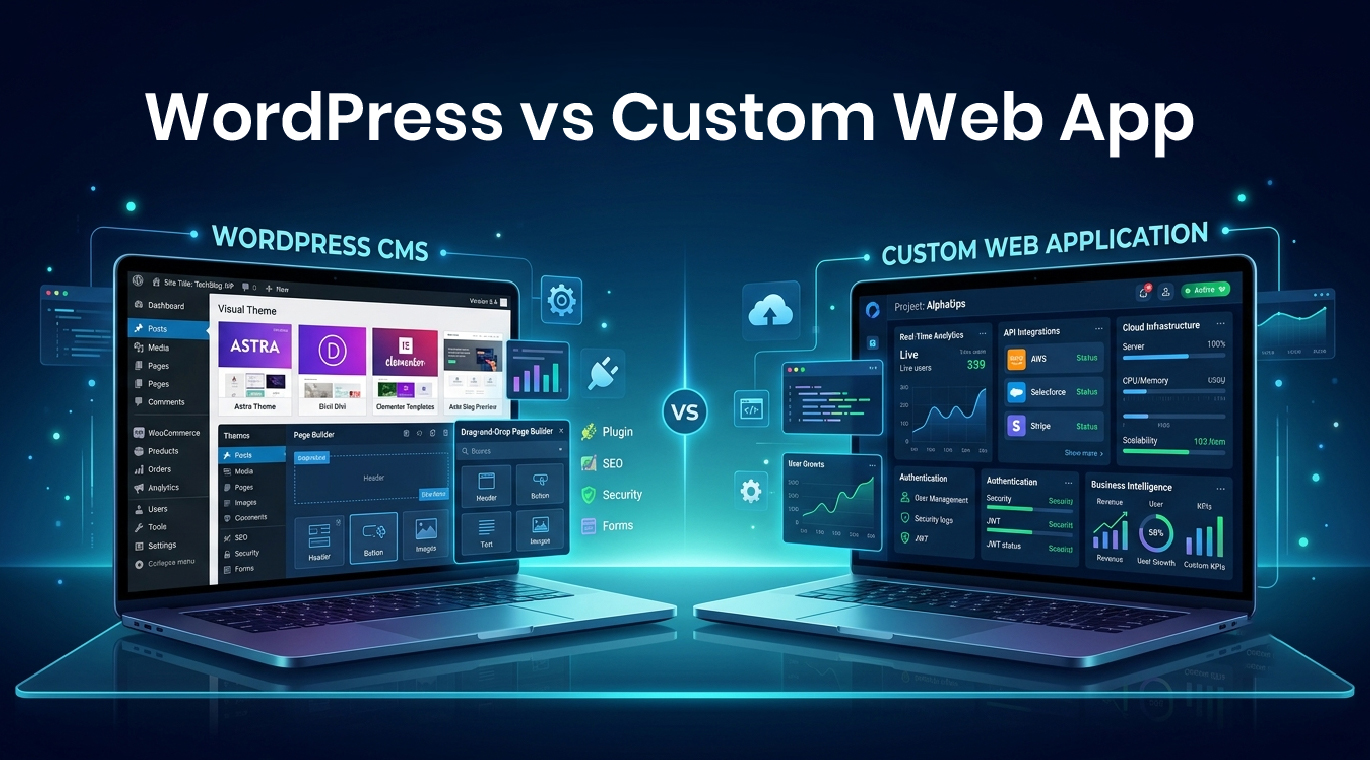
You need a digital product. You have a budget, a timeline, and a vision. The first decision blocks every decision after it: build on WordPress or build a custom web application? Get this wrong and you spend $30,000 on a platform that cannot do what you actually need, or $80,000 on a custom build for something WordPress could have shipped in three weeks.
The numbers behind this decision are dramatic. WordPress powers 43.2% of all websites and holds 62.8% of the CMS market. Over 500 new sites launch on it daily. On the other side, 70% of websites globally do not use a CMS at all, relying on custom code. Custom-built applications load 30% to 50% faster than comparable WordPress sites under traffic load. WordPress sites cost $3,000 to $15,000 typically. Custom web apps run $15,000 to $250,000+ depending on scope.
Both numbers tell the truth. Both options are correct, just for different businesses, different goals, and different stages of growth. This guide breaks down exactly when WordPress wins, when custom development wins, when neither alone is enough, and how to make the right call for your specific situation.
What Is WordPress, Really?

WordPress is a content management system (CMS) originally built for blogging that has evolved into a full-stack platform supporting nearly every type of website. At its core, WordPress provides:
- A pre-built database structure for content
- An admin interface for non-technical users to manage content
- A theming system that controls visual presentation
- A plugin architecture that adds functionality without writing code
- A user management and authentication system out of the box
- A REST API for connecting to other systems
What this means in practice: you can have a professional 10-page business website, a blog, a contact form, basic SEO optimization, and an e-commerce store running within days, often without writing a single line of code. The platform handles the boring infrastructure (login systems, database queries, content versioning) so you can focus on content and design.
WordPress is open source and free to use, but you pay for hosting ($5 to $200+ per month), themes ($0 to $200), plugins ($0 to $500+ per year), and developer time when you need customization beyond what plugins provide.
What Is a Custom Web App?

A custom web application is software built from the ground up for a specific business purpose, typically using modern frameworks like React, Next.js, Vue, Node.js, Django, Laravel, or Ruby on Rails. Unlike WordPress, custom web apps:
- Have no pre-built structure imposed by a platform
- Are built around specific business workflows and user interactions
- Use databases designed for the application’s exact data model
- Include only the code the application actually needs
- Can be optimized for performance, security, and scalability from day one
- Live entirely in your control without dependency on a third-party platform
Examples of well-known web applications include Trello, Airbnb, Asana, Slack, and most SaaS products. These are not websites with content. They are functional tools that happen to run in a browser. Some custom web apps have public-facing marketing sites attached, others are entirely behind login walls.
Building custom takes longer (typically 8 to 24 weeks for a meaningful application) and costs more upfront ($15,000 to $250,000+), but produces a product that does exactly what your business needs without compromise.
The 7 Key Differences That Actually Matter
Most comparison articles list 20 differences. Most do not affect your decision. Here are the seven that actually drive the right choice.
1. Cost: Upfront vs Lifetime
WordPress total cost. Basic business website: $1,000 to $5,000 upfront, plus $300 to $2,000 per year ongoing for hosting, plugins, themes, and maintenance. Mid-tier custom WordPress site: $5,000 to $25,000 upfront. Complex WordPress with WooCommerce, membership features, and custom functionality: $15,000 to $50,000.
Custom web app cost. Simple custom application: $15,000 to $50,000. Mid-complexity SaaS or business tool: $50,000 to $150,000. Complex multi-user platforms with advanced features: $150,000 to $500,000+. Ongoing hosting typically runs $20 to $500 per month, with no plugin licensing fees.
Where the math flips. WordPress is cheaper on day one but accumulates plugin costs, maintenance hours, and rebuild expenses when you outgrow it. Custom development costs more upfront but has lower long-term cost of ownership when you actually use the platform’s flexibility. Businesses that operate on WordPress for 5+ years often spend $20,000 to $40,000 in cumulative plugin licenses, premium add-ons, and developer hours that custom code would not require.
2. Time to Launch
WordPress timeline. Basic business site: 2 to 4 weeks. Custom-themed WordPress site: 4 to 12 weeks. WooCommerce store with custom features: 8 to 16 weeks.
Custom web app timeline. MVP for simple application: 8 to 12 weeks. Mid-complexity SaaS: 16 to 24 weeks. Complex multi-feature platforms: 6 to 18 months.
The reality check. If you need to launch fast to validate a market, capture a deadline, or beat a competitor, WordPress wins on speed almost every time. If your business model requires unique functionality that takes 6 months to build either way, the time advantage of WordPress disappears.
3. Scalability and Performance
A well-built custom site loads 30% to 50% faster than a comparable WordPress site under traffic spikes. Custom apps achieve better Core Web Vitals scores (LCP, FID, CLS) because every line of code serves the application’s specific purpose. WordPress sites often run 30+ database queries per page load. Custom apps can be optimized to 3 to 5.
Where WordPress struggles. High-traffic sites with concurrent users (10,000+ daily active), real-time features (live chat, notifications, collaborative editing), heavy data processing (financial calculations, large dataset operations), and applications with complex user permissions and workflows.
Where WordPress holds up fine. Content-heavy sites under 50,000 monthly visitors, business marketing sites, blogs, portfolios, basic e-commerce stores, and informational platforms.
The 30+ plugin problem is real. Each plugin adds database queries, JavaScript loads, CSS files, and security exposure. Sites with 25+ plugins routinely have load times exceeding 5 seconds and become brittle under WordPress core updates.
4. Customization Without Limits
WordPress customization reality. You can customize WordPress extensively through themes, child themes, custom plugins, and direct code modification. But you are always working within WordPress’s core architecture. Some things that seem simple in the abstract are genuinely difficult in WordPress: real-time multi-user collaboration, complex custom data models, sophisticated permission systems, custom database queries that bypass the WordPress query layer, and integrations that need to control the entire user experience.
Custom development customization. Anything you can describe, you can build. No platform limitations. The database schema matches your exact data model. Authentication flows can be built however you need them. The UI is purpose-designed without inherited theme assumptions. APIs are first-class citizens, not bolt-ons.
The honest middle ground: 80% of business websites do not need anything WordPress cannot deliver. The other 20% need things WordPress will fight you on every step.
5. Security Posture
WordPress security reality. WordPress core is generally well-maintained, but the platform’s market dominance makes it the largest target on the web. Most WordPress security issues come from outdated plugins, abandoned plugins, weak admin passwords, and themes that have not been updated. Around 90% of hacked WordPress sites are running outdated software.
Custom web app security. Custom apps can implement modern security practices from the start: secure session management, parameterized queries, input validation, role-based access control, encrypted data at rest, and security headers. Smaller attack surface because there are no plugins or themes from third parties. But security depends entirely on your developers. A custom app built without security expertise can be more vulnerable than a well-maintained WordPress site.
The verdict. WordPress is secure if you maintain it religiously. Custom is secure if you build it correctly. Neither is automatically safe.
6. Maintenance and Updates
WordPress maintenance burden. Core updates every few months. Plugin updates weekly or more often. Theme updates periodically. Compatibility testing required after updates. Security patches that must be applied promptly. PHP version updates that break older plugins. Most professional WordPress sites need 4 to 12 hours of monthly maintenance.
Custom web app maintenance. Framework updates yearly or longer. Library updates as needed. Server and database updates. Custom code changes only when business requirements change. Most custom apps need 2 to 8 hours of monthly maintenance once stable.
The tradeoff: WordPress sites can be content-managed by non-technical users who never touch the code. Custom apps usually require a developer for every change, even small text updates, unless an admin panel is built into the application.
7. Ownership and Vendor Lock-In
WordPress ownership. You own your content and database. You can move WordPress between hosts freely. But you depend on WordPress’s project direction, plugin ecosystem health, and theme compatibility. If WooCommerce changes its data structure, you may face migration headaches. If a plugin you depend on gets abandoned, you have to find an alternative or fork the code.
Custom web app ownership. You own everything: code, database, infrastructure, and roadmap. No platform changes can break your application. No third-party plugin can disappear and break critical functionality. The flip side: you are responsible for everything, including problems that WordPress would have handled for you.
When to Choose WordPress
WordPress is the right choice when most or all of these conditions apply.
Your Site Is Primarily Content-Driven
If your website’s main purpose is publishing content (blog, news site, portfolio, knowledge base, marketing pages), WordPress was literally built for this. The content editor, media management, taxonomy system, and publishing workflow are mature, polished, and battle-tested.
You Need to Manage Content Without a Developer
WordPress shines when non-technical users need to update pages, publish posts, manage products, or modify content regularly. The admin interface is approachable. The Gutenberg editor handles complex layouts. Most content tasks require zero developer involvement.
Your Budget Is Under $25,000
For most small to mid-size businesses, WordPress delivers more functionality per dollar than custom development. The plugin ecosystem provides solutions to 90% of common business needs without writing code from scratch.
You Need Speed to Launch
When you need to launch in 4 to 8 weeks, WordPress almost always wins. Pre-built themes accelerate design. Plugins solve functional requirements. Hosting is plug-and-play.
You Run a Standard E-commerce Operation
WooCommerce powers over 28% of all online stores. For most product-based businesses, it provides robust commerce functionality, payment integration, inventory management, and shipping logic without custom development.
You Want to Validate Before Investing
Smart founders launch on WordPress to test market demand, then migrate to custom when traffic and revenue justify it. This staged approach minimizes early-stage risk.
Examples of businesses where WordPress is clearly right: professional services websites (lawyers, doctors, agencies), local business sites, news and media publications, portfolios for creatives, online stores selling physical products, course and membership sites, bloggers and content creators.
When to Choose Custom Web App Development
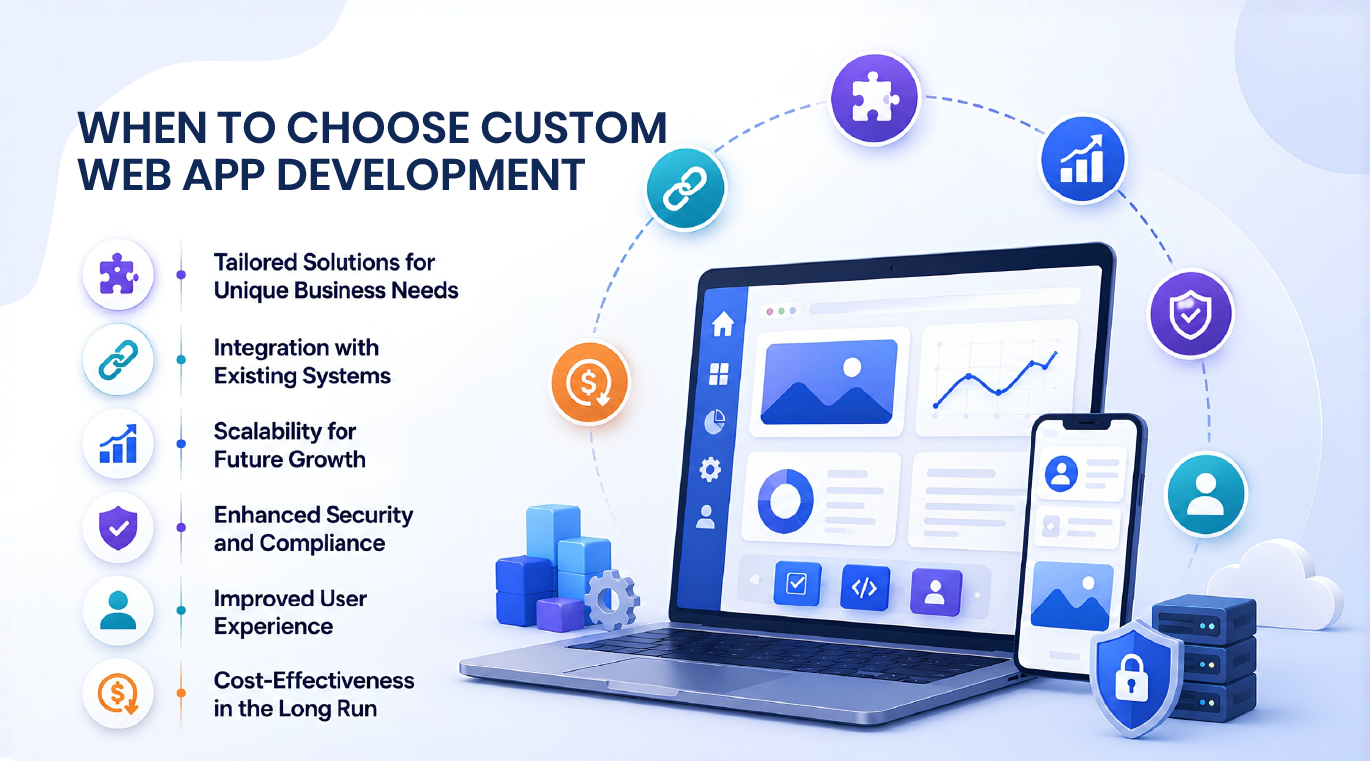
Custom development is the right choice when most or all of these conditions apply.
You Need Functionality WordPress Cannot Deliver
If your business model requires real-time multi-user collaboration, complex business logic, sophisticated data processing, custom API integrations that need to control the user experience, or workflows that do not fit the WordPress content paradigm, custom development is not optional.
You Are Building a SaaS Product
Software-as-a-service applications need user accounts, subscription billing, complex permission systems, application-specific data models, and product-driven user experiences. WordPress is the wrong tool here, even though it can technically be hacked into supporting some SaaS use cases.
Performance Is a Competitive Advantage
If your users will measure milliseconds (financial trading platforms, real-time analytics, gaming, complex visualization tools), custom development is the only way to hit performance targets that matter.
You Need Enterprise-Grade Security and Compliance
Healthcare (HIPAA), financial services (PCI DSS), government work, and other regulated industries require security controls and audit capabilities that WordPress’s plugin ecosystem cannot reliably deliver. Custom development gives you full control over compliance posture.
Your Application Will Scale Significantly
Custom apps designed from the start for scale handle growth more gracefully than WordPress retrofitted with caching plugins. If you genuinely expect 100,000+ users or millions of transactions, building right from day one saves expensive rebuilds later.
Your User Experience Must Be Unique
If your competitive advantage depends on a UI that does not exist anywhere else, WordPress’s theme architecture will fight you constantly. Custom development lets you build exactly the experience that wins.
You Have Long-Term Capital and Patience
Custom development requires upfront investment without immediate return. If you have the capital and patience for a 4-to-12 month build, the long-term payoff often justifies the cost.
Examples of businesses where custom is clearly right: SaaS platforms, marketplace applications, financial services tools, healthcare platforms, real-time collaboration tools, custom CRM systems, internal business operations tools, complex data visualization platforms, AI-powered applications.
The Hybrid Approach: Best of Both Worlds
Many businesses do not actually need to choose. Modern architecture allows powerful hybrid approaches.
Headless WordPress
Run WordPress as a content management backend, then build a custom front-end (typically React or Next.js) that pulls content via the WordPress REST API. You get the WordPress editorial experience for non-technical users plus the performance and flexibility of custom front-end code.
When this works. Content-heavy applications that also need custom interactivity. Companies with strong editorial teams who need WordPress’s familiarity but want better performance. Sites that will migrate to fully custom over time.
Cost reality. $20,000 to $80,000 to build the front-end on top of an existing WordPress installation.
WordPress Site + Separate Custom App
Many successful businesses run a WordPress marketing site alongside a fully separate custom web application. Marketing pages, blog content, and lead generation live on WordPress where they are easy to update. The product itself runs as a custom app. The two systems share branding but operate independently.
When this works. SaaS companies, two-sided marketplaces, businesses with both content marketing and product needs.
Cost reality. WordPress site $5,000 to $25,000, custom app $50,000 to $250,000+. Same as building both separately, with the advantage of clear separation of concerns.
Custom WordPress Plugin
For functionality that genuinely belongs inside WordPress (custom membership rules, specialized e-commerce features, content workflows specific to your industry), a custom-developed WordPress plugin provides custom code without abandoning the WordPress ecosystem.
When this works. Functionality that integrates deeply with WordPress content and users. Companies who want custom features without leaving WordPress.
Cost reality. $5,000 to $40,000 depending on complexity.
Real-World Decision Framework
Use this framework to make the decision in 15 minutes instead of 3 months of debate.
Step 1: Define your core requirement. Is your project primarily a content site or a functional application? If you removed all the content, would the website still have a purpose? If yes, you may need custom. If no, WordPress probably wins.
Step 2: Test the WordPress fit. Can you describe your application in terms of pages, posts, products, users, and standard interactions? Or does it require things WordPress does not have natural concepts for? If WordPress cannot natively model your data, custom is likely the right call.
Step 3: Check the plugin economy. For your specific functionality needs, are there mature, well-maintained plugins available (last updated within 6 months, 1,000+ active installations, 4+ star ratings)? If yes, WordPress is viable. If you would need 10+ plugins or rely on poorly-maintained code, lean custom.
Step 4: Match to budget reality. What can you genuinely afford in year one? Under $20,000 strongly suggests WordPress. $50,000+ opens custom development. Between those, you need to evaluate complexity carefully.
Step 5: Project the 3-year cost curve. Will you outgrow WordPress in 18 months and need to rebuild? Then start custom. Will WordPress serve you for 3+ years? Then start there and migrate later if needed.
Step 6: Evaluate your team. Do you have non-technical content managers who need to publish frequently? WordPress favors them. Are you building a product that will mostly be modified by developers anyway? Custom does not penalize you here.
Step 7: Consider exit strategy. If you might sell the business, custom code is a more valuable asset than a WordPress installation. Acquirers value owned IP higher than configured platforms.
Common Mistakes Businesses Make

The most expensive errors in this decision usually fall into these patterns.
Choosing custom because it sounds prestigious. Custom development is not inherently better. It is different. Building custom for a project that fits WordPress just costs more for no practical benefit.
Choosing WordPress to save money on a project that needs custom. Forcing complex business logic into WordPress with 30 plugins creates a maintenance nightmare and ongoing performance issues. The savings disappear in year two when you rebuild custom anyway.
Building custom without proper specifications. Custom development without clear requirements becomes endless scope creep. You spend three times the budget on a product that still does not work right.
Picking WordPress without understanding plugin maintenance. WordPress sites that work great at launch become security risks when plugins go unmaintained. Budget realistically for monthly maintenance or expect problems.
Migrating prematurely. Some teams migrate from WordPress to custom because of performance complaints that better hosting and code optimization would have fixed. Diagnose the actual problem before rebuilding.
Not planning for migration. If you start on WordPress knowing you will migrate later, structure your content and URLs from day one to make migration easier. Trapped data is the most expensive part of platform changes.
Conclusion
The WordPress vs. custom web app decision is not about which platform is better. It is about which platform fits your specific business situation. WordPress wins when you need fast launch, content-driven functionality, non-technical management, and budgets under $25,000. Custom wins when you need unique functionality, performance optimization, or enterprise-grade requirements or are building a SaaS product where the application itself is the business.
Most businesses make this decision once and live with it for years. Take the time to evaluate honestly. Map your specific functional requirements against what WordPress’s plugin ecosystem actually delivers. Be honest about your team’s technical capacity for both options. Project realistic 3-year cost curves rather than fixating on the upfront price.
Many successful businesses use both. A WordPress marketing site that drives leads to a custom web application that delivers the actual product. A headless WordPress backend feeding a custom React front-end. A WordPress site for content with a custom admin tool for internal operations. The choice is not always either-or.
If you are still unsure after reading this guide, the safer default for most small and mid-size businesses is WordPress. Launch fast, learn what your users actually want, generate revenue, then decide whether custom investment is justified. The exception is if you are building a SaaS product, an application where performance is mission-critical, or a platform with regulatory compliance requirements. In those cases, do not start with WordPress just to save money. The migration cost will exceed the savings.
The right platform amplifies what your business does well. The wrong platform forces you to fight the tooling instead of focusing on customers. Choose based on what you actually need to build, not what sounds prestigious or what is cheapest in month one. Your future self will thank you for the discipline.
Frequently Asked Questions
Is WordPress really cheaper than custom development? Yes, upfront; often, no, over time. WordPress is dramatically cheaper for the first 1 to 2 years. Beyond that, plugin licenses, maintenance hours, and eventual rebuilds can erase the savings. For projects with 3+ year horizons, the math gets closer than most assume.
Can WordPress handle a SaaS product? Technically yes, practically no. WordPress can be forced into SaaS applications, but the architecture works against you constantly. For genuine SaaS products, custom development is almost always the right choice.
Is custom development really 30% to 50% faster? Yes, when properly built. Custom apps eliminate the WordPress overhead of theme files, plugin queries, and template hierarchies. Real-world performance gains depend on the specific application and how well both alternatives are built.
Can I migrate from WordPress to custom later? Yes, but it is a significant project. Plan content structure and URL patterns from day one to make migration easier. Most migrations take 2 to 6 months and require careful handling of SEO, redirects, and content transformation.
What about WordPress security? WordPress is secure when properly maintained. Most security incidents involve outdated plugins, weak passwords, or unpatched cores. With strong hosting, automated updates, security plugins, and good practices, WordPress is appropriately secure for most business use cases.
Is the headless WordPress approach worth it? For specific situations, yes. Headless WordPress works best when you need WordPress’s editorial experience but want better front-end performance or unique interactivity. It adds complexity, so do not adopt it unless the problem you are solving justifies the architecture.
How much does ongoing maintenance cost for each? WordPress: $50 to $500+ per month for proper maintenance, depending on site complexity. Custom: $0 to $2,000+ per month, depending on whether you have ongoing development needs or just stable hosting.
Can my business start with WordPress and scale to custom? Yes, this is a common and valid path. Validate the business with WordPress, generate revenue, and then invest in custom when growth justifies it. Many successful SaaS companies started this way.
What about Webflow, Squarespace, or other no-code platforms? These compete in the WordPress space rather than the custom space. They offer faster setup with less flexibility than WordPress. For most business needs covered by WordPress, they can be alternatives. They have similar limitations versus custom development.
Does WordPress hurt SEO compared to custom? No, when properly configured. WordPress has excellent SEO tools (Yoast, Rank Math) and strong content management. Custom development can match or exceed WordPress SEO with proper implementation, but WordPress out of the box is hard to beat for content-driven sites.